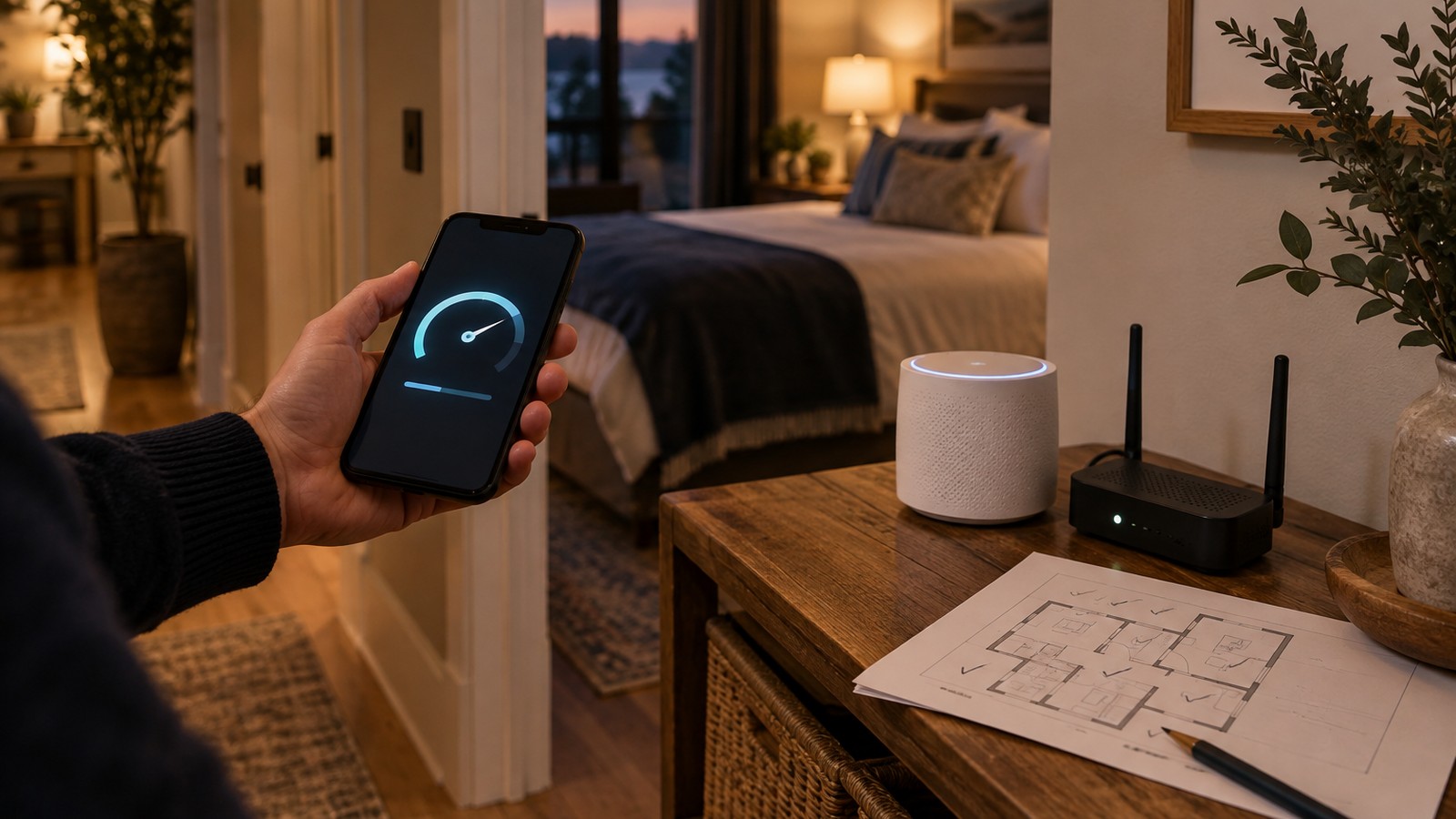
Airbnb WiFi should test at 50 Mbps or faster in every room where a guest sleeps or works. That is the speed Airbnb highlights as fast wifi, and the host is responsible for a result that holds throughout the listing. Test from the bedrooms and the desk, add coverage where the numbers drop, and build a backup connection and a reset routine before the first outage.
Most hosts run the speed test once, standing next to the router, and publish the best number the house will ever produce. Guests do not stay in the router closet. They join a video call from the back bedroom, stream in the bunk room and upload files from the kitchen table, and that is where the review gets written.
I've spent 18+ years in real estate and have focused on short-term rentals since 2016. The wifi problems I see in operator portfolios usually trace back to a router hidden in a cabinet at one end of the house, a guest network nobody has changed in three years, and no plan for the afternoon the line goes dead while a remote worker is mid-meeting.
This guide gives you a unit-level standard: what Airbnb measures, how to test the rooms that matter, where to put hardware, how to separate the guest network, and how to size a backup against what an outage actually costs.
What Airbnb Measures and Holds You To
Airbnb's wifi speed test runs inside the Android or iOS app. You have to be at the property, connected to the wifi network listed in your listing details, and the test measures connection speed in megabits per second (Airbnb Resource Center). If the result is 50 Mbps or above, the listing is highlighted as having fast wifi.
The same help article sets the standard that matters for operators. When you use the speed test, you are responsible for making sure the speed shown on your listing is accurate, available throughout the listing, and representative of what guests can expect during their stay (Airbnb Help Center).
Airbnb publishes how it reads each result. Here is that scale, with the operating read I add for each band:
Speed | Airbnb's read | Operator read |
|---|
1–6 Mbps | Basic: messages and web | Fails a work stay |
7–24 Mbps | Solid: HD streaming | One user at a time |
25–49 Mbps | Snappy: 4K and video calls | Fine for a couple |
50+ Mbps | Fast: 4K and calls on multiple devices | Target for every room |
The first two columns paraphrase Airbnb's own table; the third column is my judgment for multi-guest stays.
Airbnb also says guests search for wifi more often than nearly any other amenity, and that adding fast wifi to your listing helps it show up in search results (Airbnb Resource Center). That makes the speed badge a listing asset. It also makes a misleading badge a review liability, because the guest who booked for the badge is the one most likely to test it.
Why the Router-Closet Test Misleads You
Wifi signal weakens with distance and with every wall, floor and appliance between the device and the router. A single router in a utility closet can post a strong number in the hallway outside and a weak one two rooms away. The test you ran at the router tells you what the internet plan delivers. It tells you nothing about the bunk room.
Three patterns show up again and again in the units I review:
The router lives where the cable enters the house. That is usually a garage wall, a basement or a closet at one end of the floor plan, the worst spot for coverage.
The badge was set once and never retested. Plans change, equipment ages, neighbors add networks, and the listing still shows the number from install day.
Nobody tests during the busy hours. A result taken at 10 AM on a Tuesday can look better than the evening, when every guest device in the house is streaming.
Treat the listing speed as a promise about the whole unit. If the slowest room a guest will use for work or sleep cannot hold the target, either fix that room or publish the lower, honest number.
Room-by-Room Speed Test: A Five-Step Process
Run this at setup, after any equipment or plan change, and on a fixed schedule afterward. I fold it into the quarterly check in my turn-count maintenance schedule so it never depends on memory.
Step 1 — Map the rooms guests actually use
Sketch the floor plan and mark every bedroom, the desk or work nook, the main living area, and any outdoor space you advertise. These are your test spots. Skip closets and hallways; nobody works there.
Step 2 — Test each spot with the Airbnb app and a second tool
Stand in each spot, connected to the guest network, and run the Airbnb app test. Then run one independent speed test on the same phone so a single odd reading does not drive a decision. Record both, plus the time of day.
Step 3 — Log the results against a target
Write the numbers in a simple log kept with the unit's records. An example from a three-bedroom house:
Spot | Mbps | Pass? | Fix |
|---|
Living room | 180 | Yes | None |
Primary bed | 95 | Yes | None |
Bunk room | 22 | No | Mesh node |
Desk nook | 41 | No | Wired AP |
The readings above are illustrative. Use your own.
Step 4 — Fix the failing rooms, then retest
Add coverage where the log shows a failure, using the options in the next section. Retest the failing rooms and the rooms next to them, since moving hardware can shift coverage elsewhere.
Step 5 — Publish the honest number and set the retest date
Run the Airbnb app test from the slowest room guests will use and let that result stand on the listing. Put the next retest on the calendar and keep the log so a cleaner or technician can repeat it the same way.
If your units keep losing reviews to connectivity, cleaning or access failures and you want an outside view of where the systems break, book a complimentary one-on-one diagnostic call.
Hardware Placement: Mesh Nodes, Wired Access Points and Bands
I fix weak rooms by adding more places for the signal to start. A faster internet plan does little for a room the signal cannot reach.
Mesh systems. In a mesh network, the nodes connect directly and dynamically with each other and cooperate to route data (Wikipedia). In a rental, that means a main unit near the modem and one or more satellite nodes that extend coverage into the far rooms. Place each satellite roughly halfway between the main unit and the dead zone, out in the open where cabinet doors and walls do not block it.
Wired access points. A wireless access point is a device that lets wifi devices connect to a wired network (Wikipedia). Where you can run an Ethernet cable, a wired access point in the far wing usually beats a wireless hop.
Power over Ethernet lets one cable carry both data and power to the access point, so you do not need an outlet at the mounting spot (Wikipedia). I prefer wired access points in larger homes and in any unit marketed to remote workers.
Bands. Wi-Fi 6 operates in the 2.4 GHz and 5 GHz bands, and the extended Wi-Fi 6E version adds the 6 GHz band (Wikipedia). Older guest devices may only support the older bands, so keep them on. When you replace equipment, buy hardware that supports the newer standard so the unit does not need another upgrade soon.
Put the equipment where you control it. A locked owner's closet or a mounted shelf keeps guests from unplugging the node that serves the bedrooms, and keeps the reset button out of curious hands.
Separate Guest Network and Password Rotation
Run guests on their own network, apart from anything the property depends on. Smart locks, noise monitors, thermostats and cameras belong on a separate network or VLAN that guests never see. If a guest device misbehaves, it should not be able to reach the equipment that lets the next guest in.
My smart lock failure playbook and noise monitoring thresholds both assume those devices stay online through a guest's bad day.
Set the guest network to the strongest security the devices support. WPA3, announced by the Wi-Fi Alliance in January 2018, has several security improvements over WPA2 (Wikipedia). Use WPA2/WPA3 mixed mode if some guest devices cannot join a WPA3-only network.
Change the guest password on a schedule you can keep, such as quarterly or after a problem stay, and update every place it appears: the listing, the house manual, the check-in message and the printed card.
Skip captive portals for a small rental. A captive portal is a web page shown to newly connected users before they get broader network access (Wikipedia); on a home connection it mostly adds a failure point between the guest and the internet.
Backup Internet and Power: Size It to the Outage
In my experience, every internet line goes down eventually. The goal is a switchover the guest never notices. Failover is an automatic switch to a standby system when the active one fails, without anyone stepping in (Wikipedia). For a rental, that means a second path to the internet that takes over by itself.
Option | Covers | Weak spot |
|---|
Cellular failover router | ISP line outage | Weak signal, data caps |
UPS on modem and router | Short power blips | Minutes of run-time |
Second wired provider | Line and provider outage | Cost and availability |
Loaner hotspot | Last resort | Needs someone on site |
A cellular failover uses a mobile broadband modem, which lets a router get internet over a mobile network instead of cable or phone lines (Wikipedia). Check cellular signal at the property before you buy one; a cabin with one bar will not fail over to anything useful.
A small uninterruptible power supply on the modem and router handles flickers and brief cuts. Most UPS units run on battery for a short time, typically 5 to 15 minutes (Wikipedia), so treat it as protection against blips and reboots. A long power outage needs its own plan.
The Outage Math: What a Dead Connection Costs
Owners skip backup because it looks like a monthly bill for a problem that has not happened. Put numbers on one bad afternoon and compare. Here is an illustrative remote-work stay at $240 a night:
Line item | Illustrative cost |
|---|
One night refunded as goodwill | $240 |
Same-day technician visit | $150 |
Cleaner drive-out with a hotspot | $40 |
Total for one outage | $430 |
Now the backup. Assume $200 for a cellular failover router and a $30 monthly data plan. Year one costs $200 + (12 × $30) = $560, and later years cost $360. At these illustrative numbers, the backup pays for itself in year one if it prevents about 1.3 outages like the one above, and in later years a single prevented outage more than covers it.
The table leaves out the review that says the wifi failed during a work trip, sitting on a listing that sells fast wifi. That one is hard to price and easy to prevent. If your unit targets business travelers or longer stays, as my corporate relocation housing guide covers, the case for a backup gets stronger.
The Remote Reset and Outage Playbook
When a guest messages that the wifi is down, the first 15 minutes usually decide whether the stay ends in a refund. Write the sequence down once, so anyone on your team runs it the same way.
Check remotely first. If your equipment has an app, confirm whether the network is offline or whether one device is struggling. Check your provider's outage page for the address.
Send a short restart script. Tell the guest which labeled device to unplug, how long to wait, and what light to look for. Label the modem and router physically so there is no guessing.
Confirm failover took over. If you have a cellular backup, verify the guest is on it and tell them the connection is temporarily running on backup.
Escalate on a clock. If the connection is not back within your set window, send the cleaner or a local tech with a loaner hotspot and book the provider's repair.
Close the loop. Follow up after the fix, then decide on any goodwill gesture. Log the incident, cause and fix in the unit's records.
Put the restart instructions in the house manual and the check-in message so a guest can fix a simple reboot without waiting for you. My guest message templates have a problem-response format you can adapt.
Frequently Asked Questions
What wifi speed does Airbnb consider fast?
Airbnb highlights a listing as having fast wifi when the in-app speed test reads 50 Mbps or above, and it describes that level as enough for 4K streaming and video calls on multiple devices (Airbnb Help Center).
Where should I run the Airbnb wifi speed test?
Run it from the rooms guests actually use, especially the slowest bedroom or work area. Airbnb makes the host responsible for a speed that is available throughout the listing and representative of what guests can expect (Airbnb Help Center).
Do I need a mesh system for a short-term rental?
Not always. A small apartment with the router in a central spot may pass every room on its own. Use the room-by-room test: if any guest room falls below your target, add a mesh node or a wired access point there.
Should smart locks share the guest wifi network?
Keep them apart. Put locks, cameras, noise monitors and thermostats on a separate network or VLAN so a guest device problem or a password change cannot knock the property's own equipment offline.
How often should I change the guest wifi password?
On a schedule you will keep, such as quarterly, and after any stay that ends badly. Update the listing, house manual, check-in message and printed card at the same time so the next guest is not locked out.
Sources
Test your wifi speed, Airbnb Help Center
Attract guests with fast, reliable wifi, Airbnb Resource Center
Mesh networking, Wikipedia
Wireless access point, Wikipedia
Power over Ethernet, Wikipedia
Wi-Fi 6, Wikipedia
Wi-Fi Protected Access, Wikipedia
Captive portal, Wikipedia
Failover, Wikipedia
Mobile broadband modem, Wikipedia
Uninterruptible power supply, Wikipedia
Figures in this article, tables and prose examples are illustrative, not quotes or price offers; check equipment, plan and provider costs for your own market.